


Mobile Banking App
Your money—right from your phone.

Everyday Banking, Made Mobile.
The First U.S. Mobile Banking App gives you convenient access to the tools you use most, wherever the day takes you.
Stay Connected
Keep tabs on balances, transactions, and account activity so you always know where things stand.
Move With Confidence
Use secure tools like alerts, card controls, and digital wallet access to help manage and protect your money.
Get More Done
Deposit checks, send money, and manage cards without making a trip to a branch.
Deposit Checks on the Go
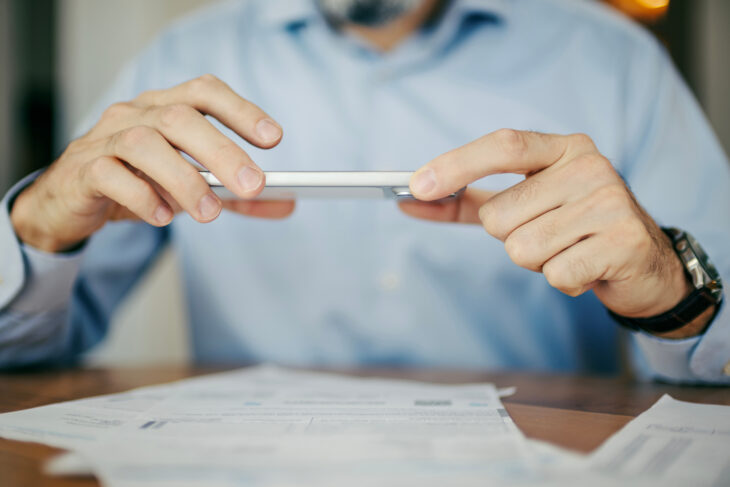
Use Mobile Check Deposit to deposit eligible checks through the First U.S. Mobile Banking App. Simply access mobile deposit in the app and follow the prompts to capture and submit your check—no branch visit required.
Remote Deposit is not available to new members during the first 90 days of membership, and additional restrictions may apply to other digital services. Funds deposited through Remote Deposit may not be immediately available but are generally available within 24 business hours. All checks must be signed and include the endorsement “First USCCU Mobile Deposit.” Additional restrictions or holds may apply.
Put More Card Control in Your Hands
Manage your First U.S. debit and credit cards through Mobile Banking. Access Card Management to stay informed and adjust key card settings as needed.
- Access your digital card
- Turn your card on or off
- Adjust card limits
- Set travel notices

Take First U.S. With You
Download the First U.S. Mobile Banking App for convenient access to your accounts and mobile banking tools on the go.
Get Started in Three Simple Steps
Download
Download the First U.S. Mobile Banking App from the App Store or Google Play.
Log In
Use your First U.S. Online Banking username and password to log in.
Verify & Get Started
During your first login, follow the prompts to verify your account and complete setup for Mobile Banking.
Download our app.


More Ways to Stay Connected
Mobile Wallet
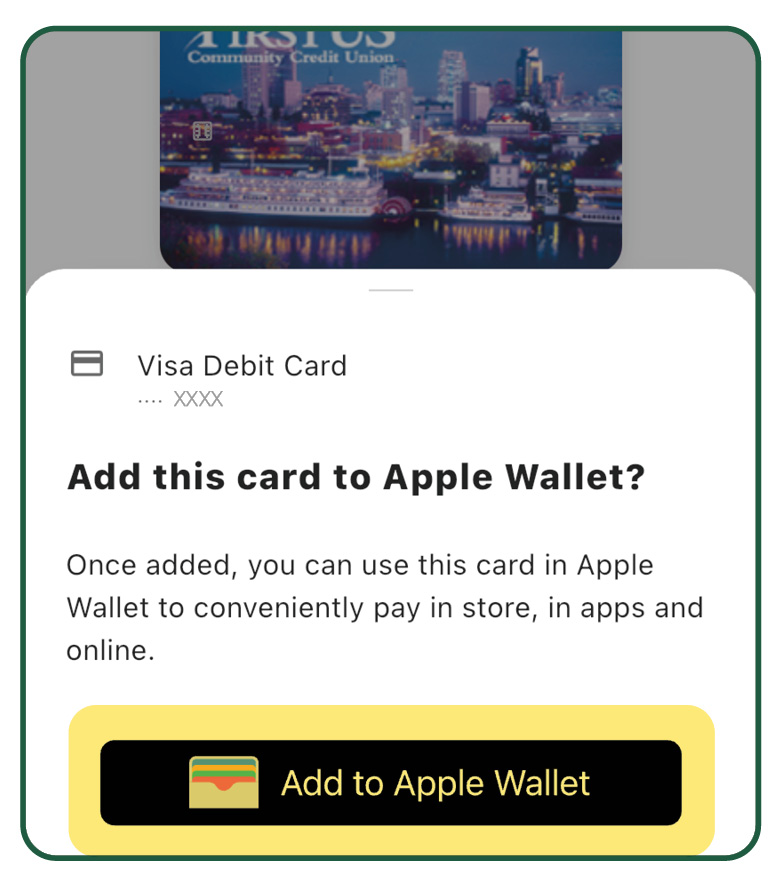
Add your eligible First U.S. Visa® or debit card to a supported digital wallet for a convenient, secure way to pay in stores, apps, and online.
Account Alerts
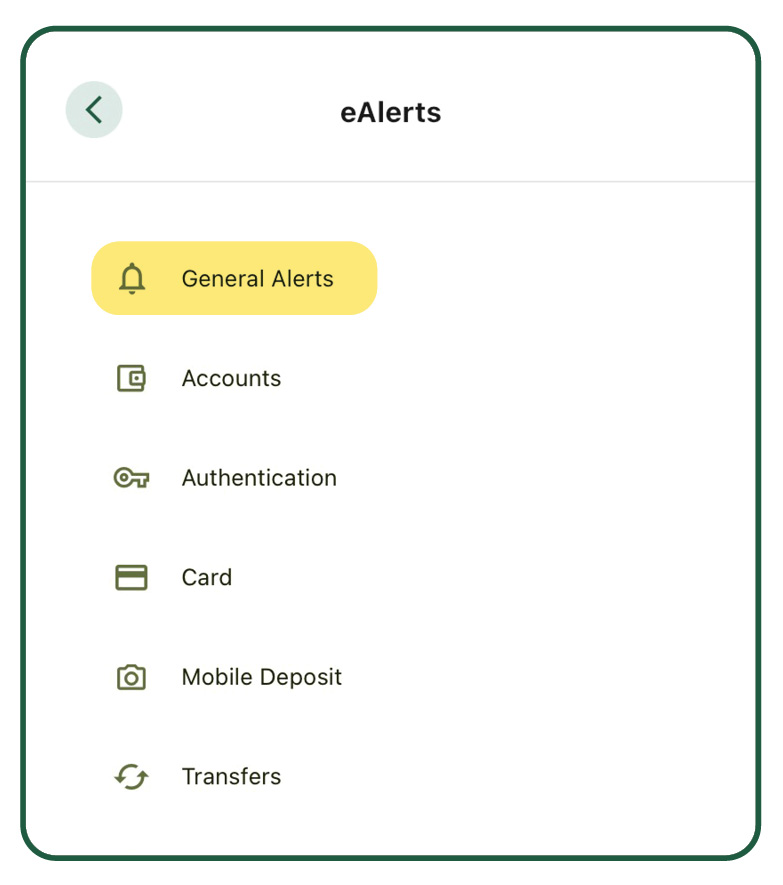
Stay informed with eAlerts for account and card activity, including balance changes, transactions, card use, and other activities you choose to monitor.
Send Money with Zelle®
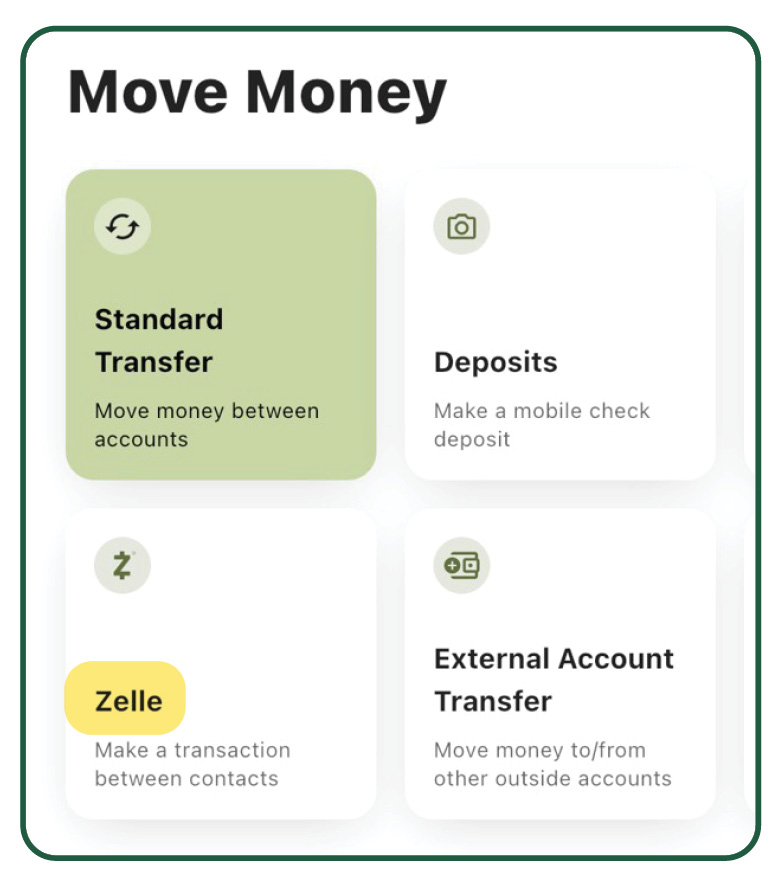
Send money to friends, family, and others you trust with Zelle®, available through First U.S. Digital Banking.
Mobile Banking App FAQ
Please use the official Apple App Store and Google Play download badges and existing app destinations.
For more information, please visit: Mobile Banking App
If you’re having trouble accessing the First U.S. Mobile App, first make sure your device has the latest software updates installed. Next, delete the First U.S. app from your device and reinstall it.
If you’re still unable to access the app, please contact our Contact Center at 800.556.6768 or Chat with us live during regular business hours for assistance.
From the First U.S. Mobile App, select the Move Money icon at the bottom of your screen, then select Deposits.
Please note that Mobile Deposit is not available with all Online Banking packages. If you do not see the Deposits option under Move Money, your current package does not include access to this feature.
Yes. The First U.S. Mobile Banking App uses security measures designed to help protect your account and personal information while you bank.